Contents Jump to section
Passwordless journey with FIDO2 - Part 3 - Engine troubles

ARCHIVED -- This post has been archived. This post contains 2019-era hardware reviews for FIDO2 security keys. The products and firmware versions discussed are outdated and some devices reviewed are discontinued. The original content is preserved below for historical reference.
Original content preserved below:
Series Navigation
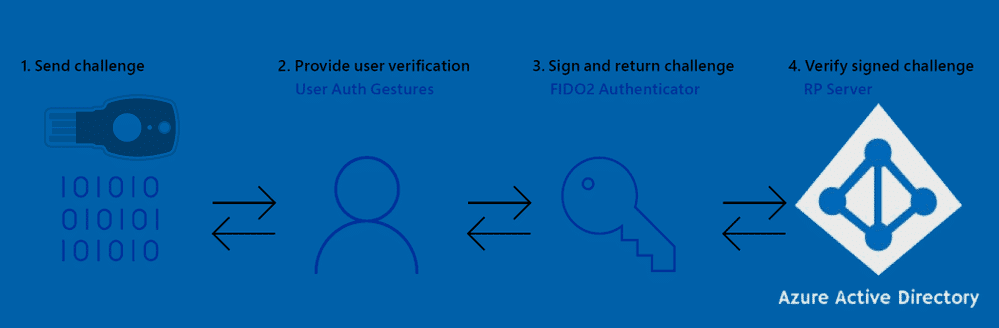
Recent learnings
Since the last article, many vendors are producing FIDO2 compliant security keys, but Microsoft requires vendors to be on an approved list for Azure AD to accept the key during enrollment. That's problematic if you bought keys from the "wrong" vendor.
Tim Steiner from OnlyKey.io helped figure out how to whitelist a FIDO2 compliant key for your own tenant.
Adding unsupported FIDO2 keys to Azure AD
You can add specific unsupported vendor security keys to your Azure AD (or restrict to a specific list):
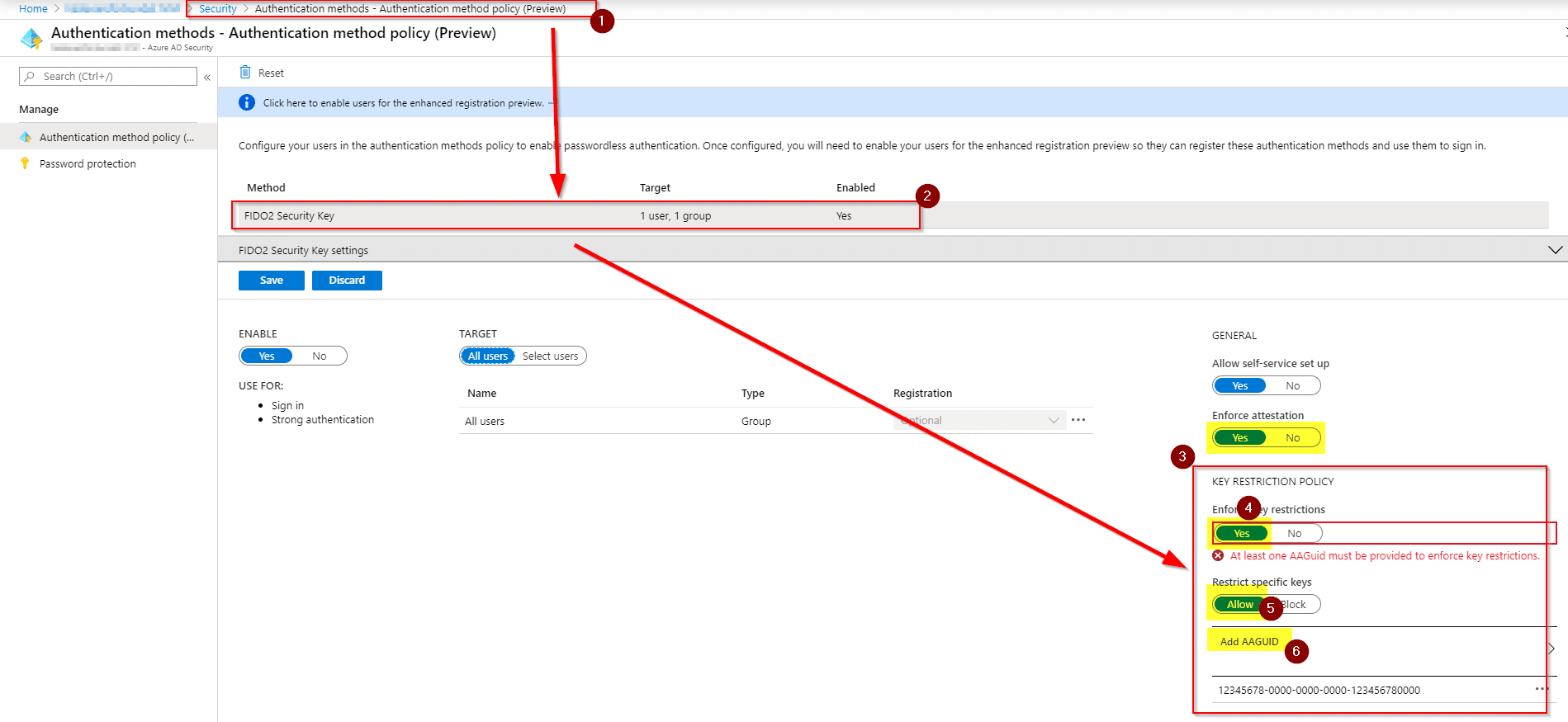
To discover the AAGUID of your key, use the Python-fido2 tool from Yubico: python-fido2 on GitHub
$ python examples/get_info.py
Example AAGUID for OnlyKey: 79d699df01914b10b9035467e7ce8231
Ensurity ThinC-AUTH
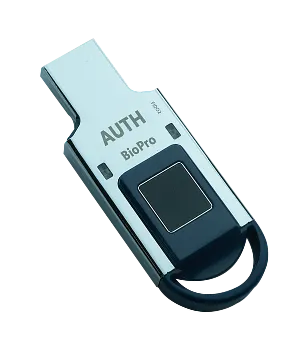
- Level 1 certified biometric FIDO2 key
- Fully supported by Microsoft out of the box
- Fast fingerprint reader
- Bulky design but offers bespoke design options for businesses
- Best unboxing experience with built-in user registration guide
- HTML-based management app running customized Chromium
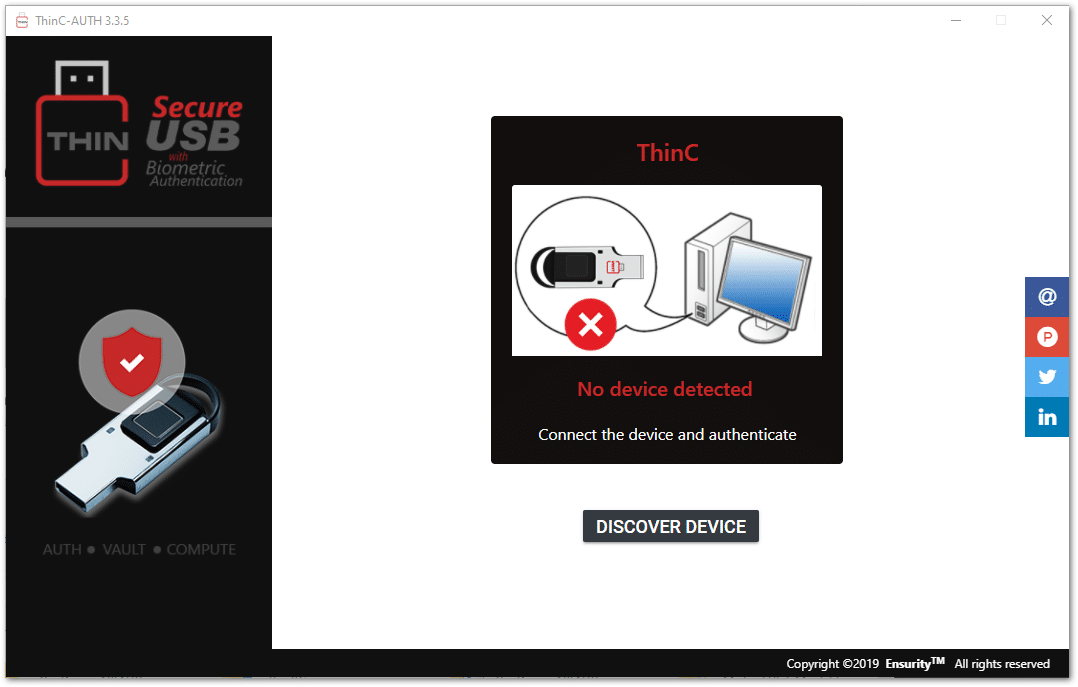
More info: Ensurity ThinC-AUTH
KEY-ID FIDO2+U2F and EzFinger 2
Very small FIDO2 devices with biometric and button versions. Requires AAGUID whitelisting for Azure AD but works out of the box with Windows Hello.
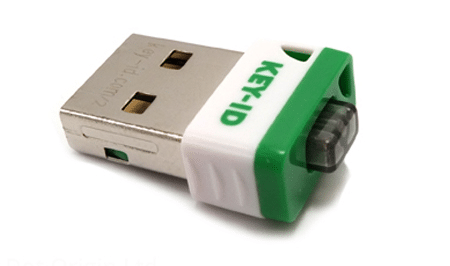
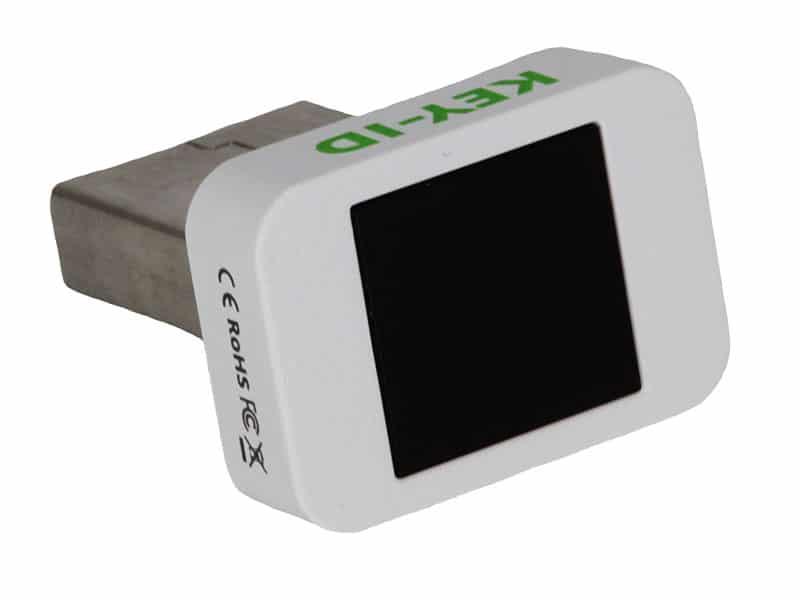
- Tiny enough to leave in your device (but defeats the purpose)
- Fast fingerprint reading from all angles
- Management exe is under 4MB - easiest to deploy
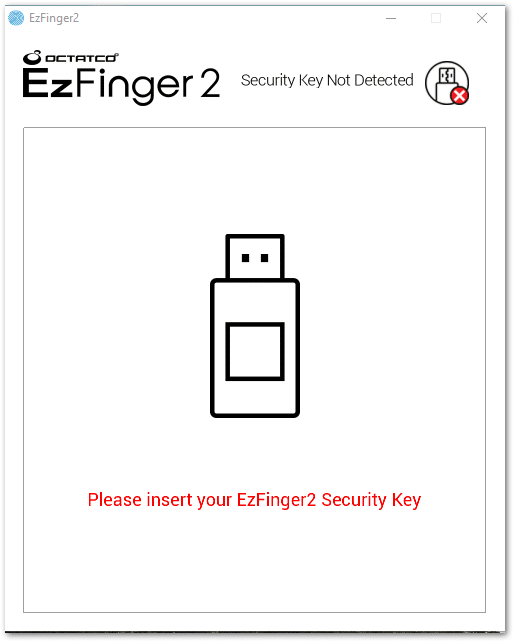
More info: KEY-ID Security Keys
OnlyKey
A completely different kind of security key, made by whitehat hackers and security experts. Open source like the Solokey.
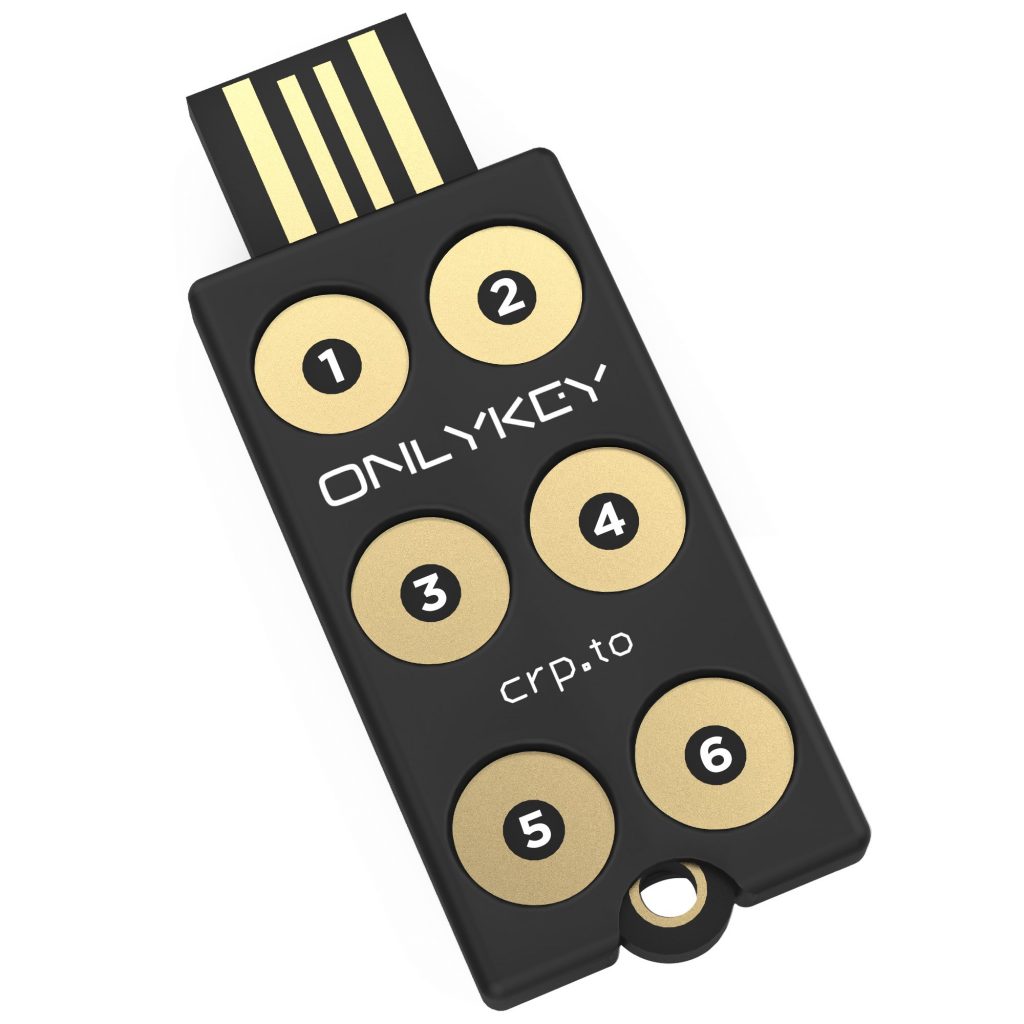
- Uses a 6-digit minimum PIN on the physical numpad instead of biometrics
- Self-wipes after 10 failed PIN attempts
- Holds up to 24 separate static accounts accessible via the numpad
- Works as a portable hardware-based password manager
- Can configure via notepad (unique feature)
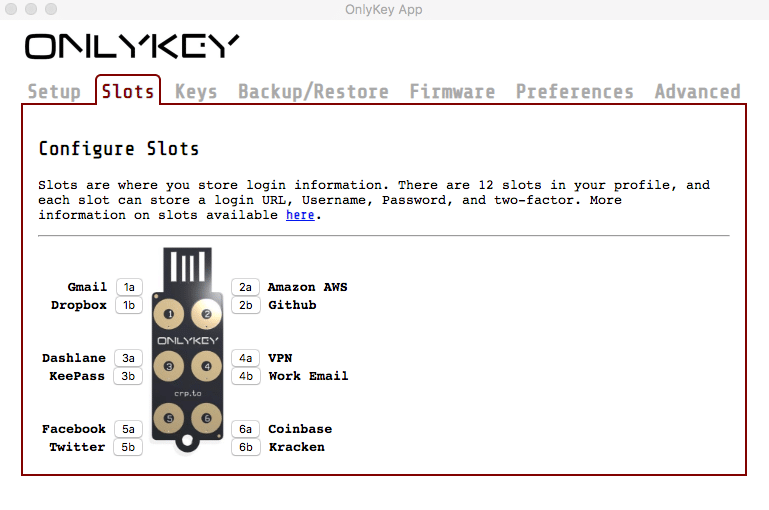
Not recommended for average users due to complex enrollment, but perfect for sysadmins and security-focused geeks.
More info: OnlyKey
Final words
As organizations adopt passwordless, remember to encourage users to use their keys for both business and personal accounts. This drives adoption and awareness. And let them keep the key - don't make a fuss about tracking and returning keys. They should be considered expendable.